MindChamp offers credible, future-ready coding education built by IIT and NYU alumni. Its curriculum is authored by the team behind Collins Smart Tech textbooks (Classes 1–8), used in 100 schools, and is aligned with NEP 2020. Designed for ages 7–18, it follows a structured progression from block coding to Python, AI, app, and web development, delivered through hands-on, project-based learning. With experienced IT/CS mentors, small batches, MindChamp Lab access, impact reports, and students from 12+ countries, MindChamp blends academic rigour with real-world relevance and proven outcomes since 2016.

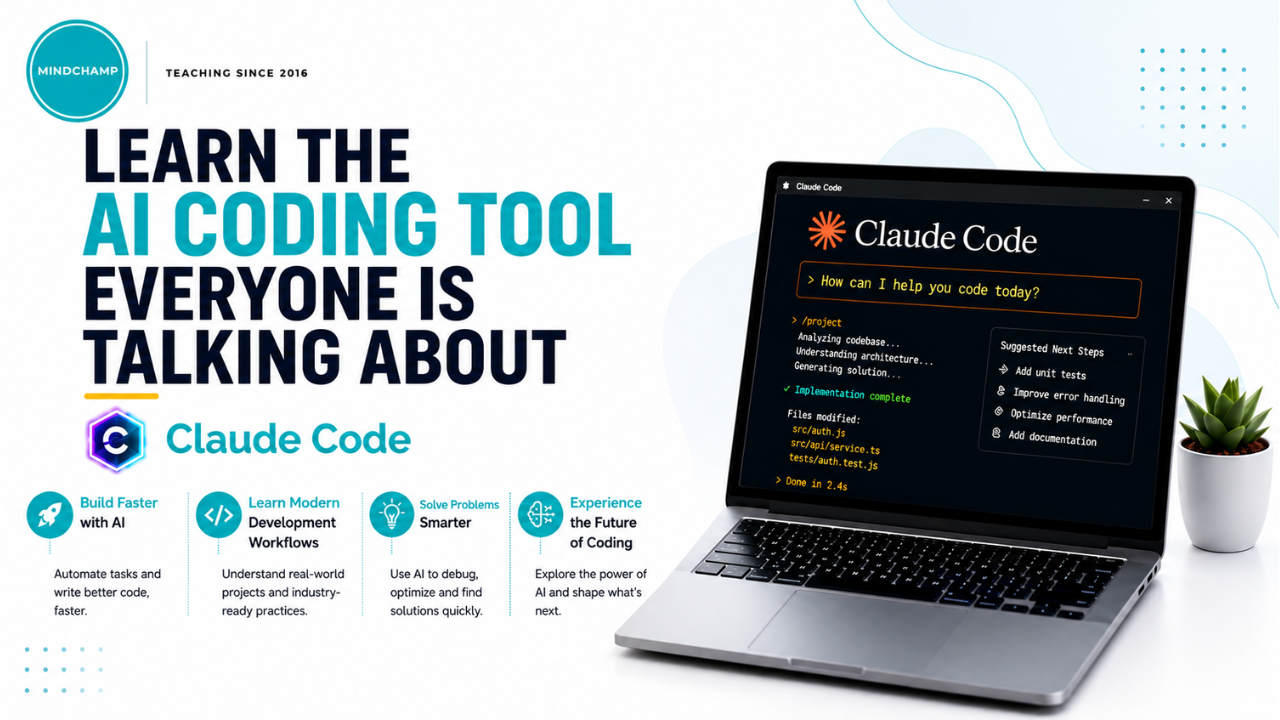

About the Workshop
AI can feel overwhelming — or it can feel like a genuinely useful tool once you know how to use it well. This practical 1-hour session breaks down Claude's core capabilities and teaches proven prompting techniques, all using the free version. Whether you're completely new to AI or just want to get more out of it, you'll walk away knowing exactly how to use Claude effectively for everyday tasks.
What to Expect
- An overview of Claude, its capabilities, and common everyday use cases.
- Hands-on guidance on writing effective prompts for better, more useful responses.
- Practical tips and best practices to maximize productivity with a free account.
- A static demonstration of Claude's paid features, so you understand what's available if you choose to upgrade (no hands-on access to paid features).
Who Is It For
- Beginners exploring AI assistants for the first time.
- Students and professionals looking to boost everyday productivity.
- Anyone who wants to use Claude efficiently without a paid subscription.
Why Attend?
- Learn directly applicable skills in just 1 hour — no fluff.
- Understand Claude's real capabilities, not just surface-level features.
- Walk away with prompting techniques you can use immediately.
- Get a clear picture of free vs. paid features, so you know what fits your needs.
About MindChamp

MindChamp
